
The Fastest Way to Get Your Voice into Notion
Your best ideas strike when you're away from your desk. Epiphany is your personal capture button for Notion. Instantly record your thoughts and have them perfectly organized and transcribed in your workspace seconds later. With Notion voice notes powered by Epiphany, quick capture for Notion has never been easier — save to Notion faster than ever before.
Try It FreeA Seamless Flow: From Voice to Notion
1. Capture Your Thought
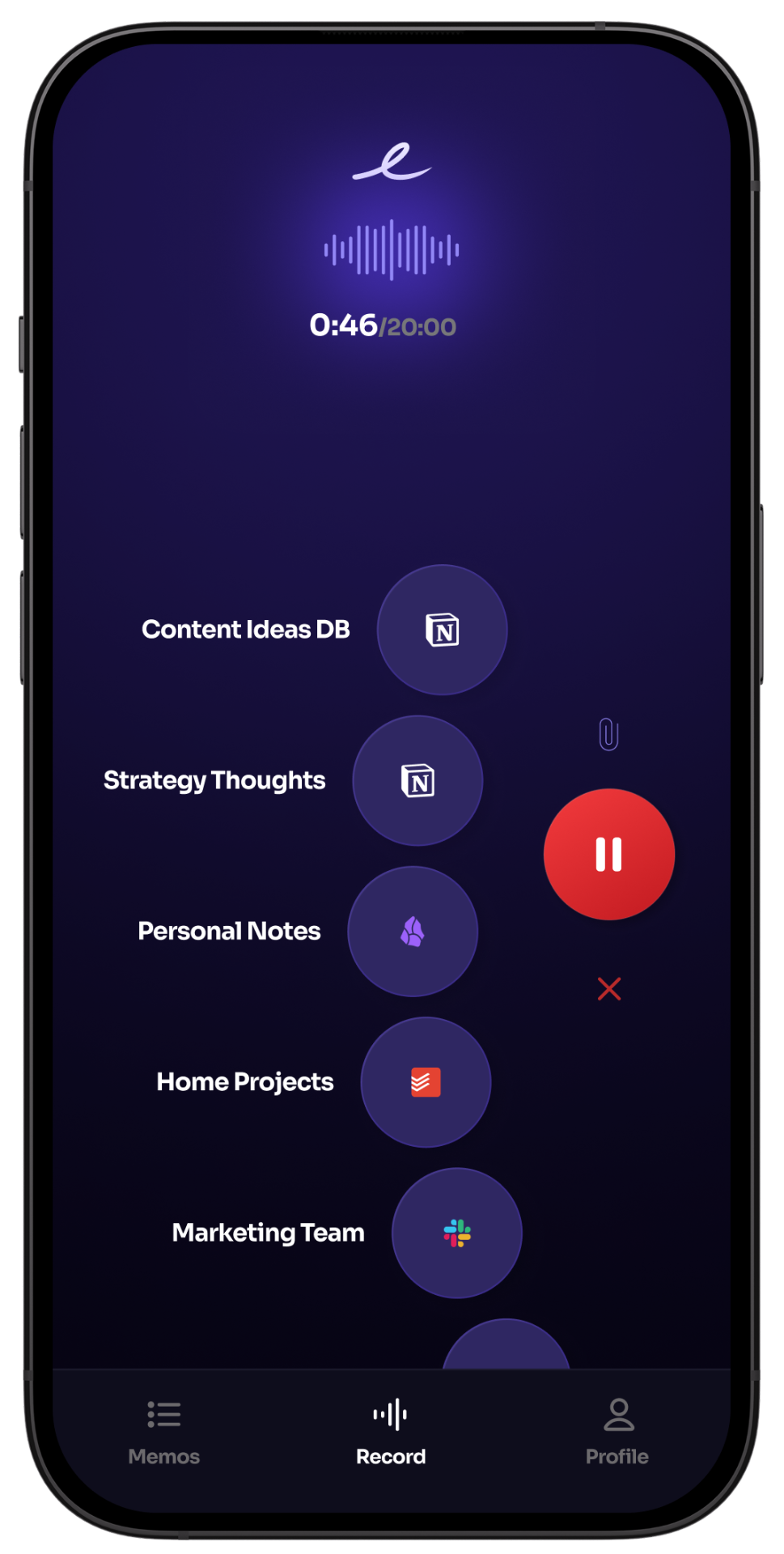
Simply open Epiphany and start talking. Describe your idea, dictate a meeting note, or outline a plan without breaking your flow.
2. It Appears in Notion
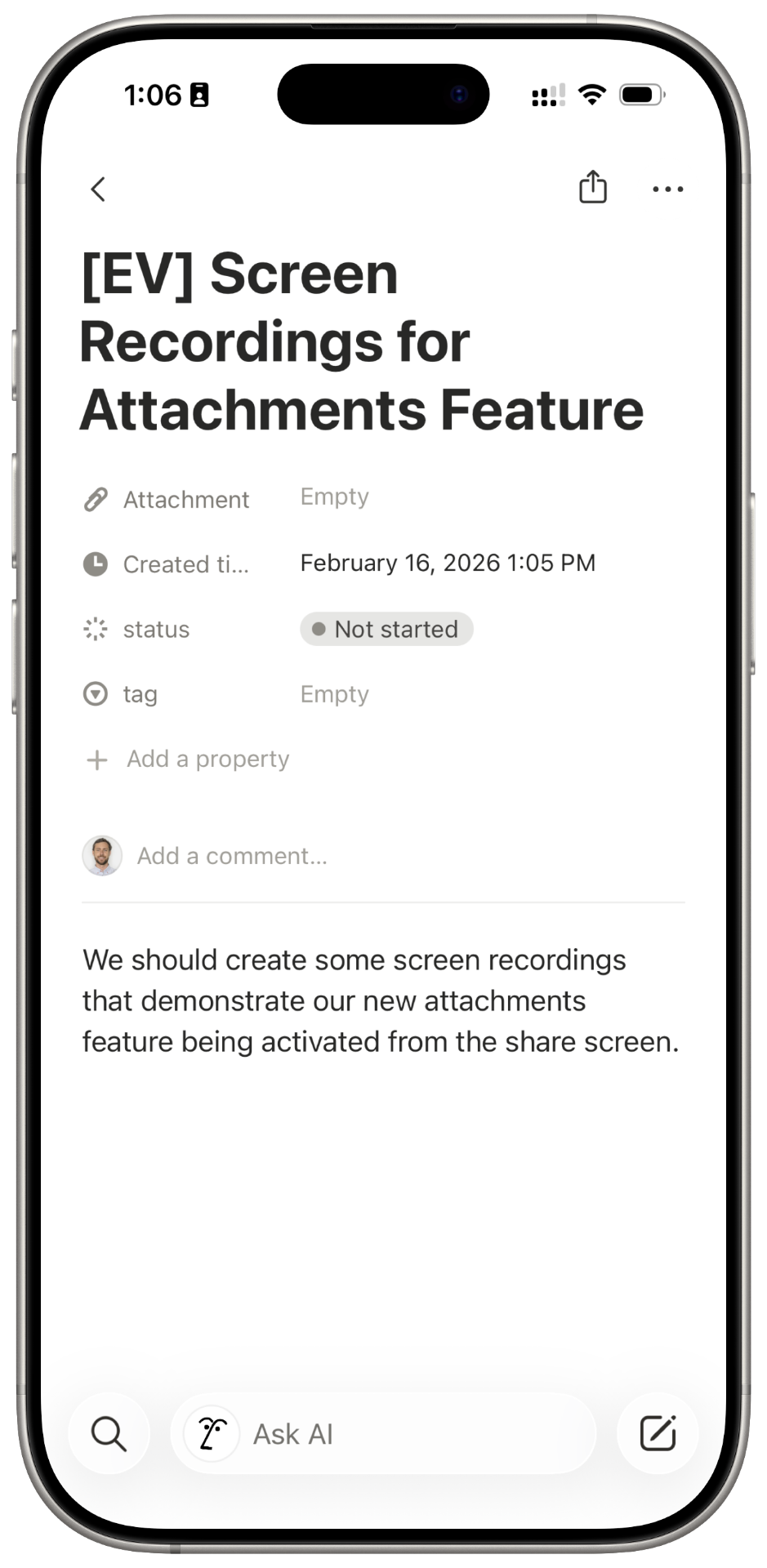
Your voice note is transcribed and instantly appears as a new entry in the right Notion database, perfectly formatted and ready to use.
Capture from Anywhere with the Share Sheet
Save Photos & Screenshots
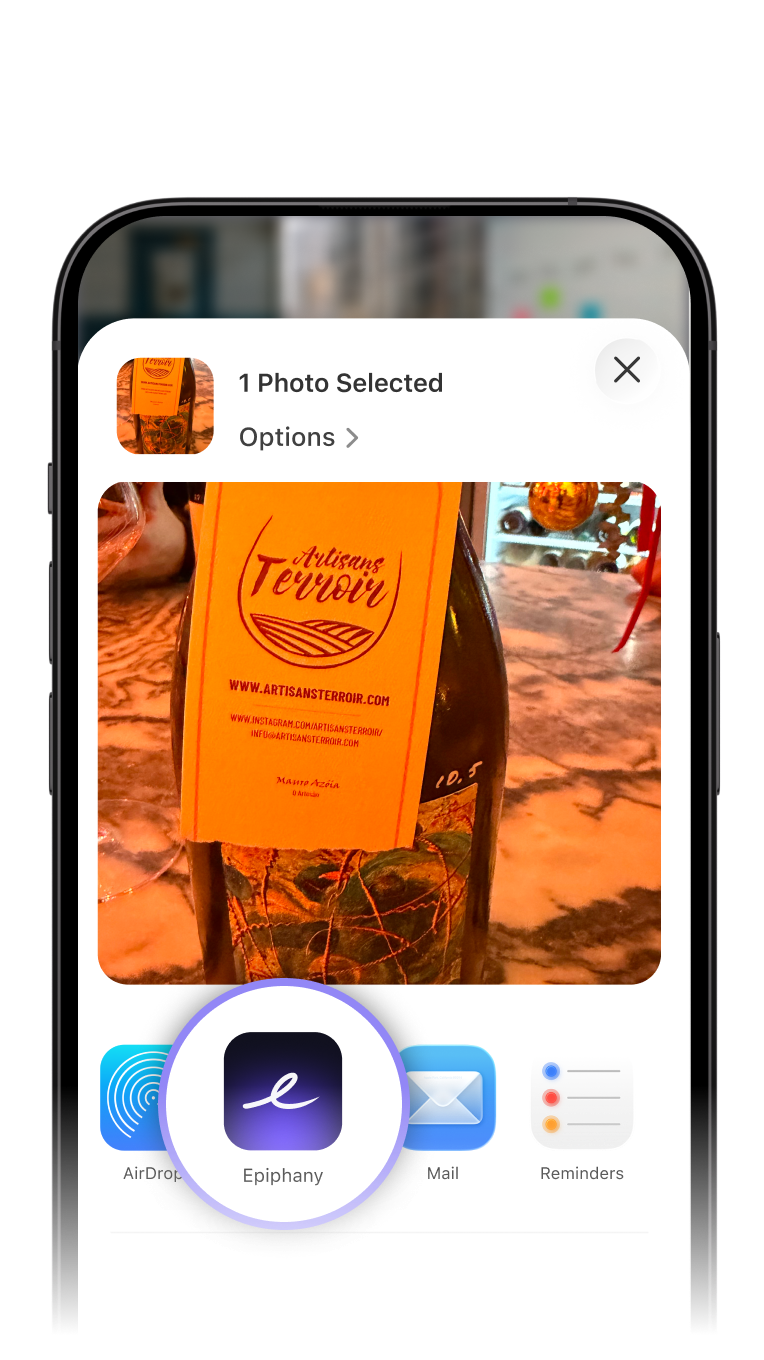
Snap a photo of a whiteboard, a receipt, or a design mockup. Share the image directly to Epiphany, add voice context, and send it straight to the right Notion database.
Save Links & Articles
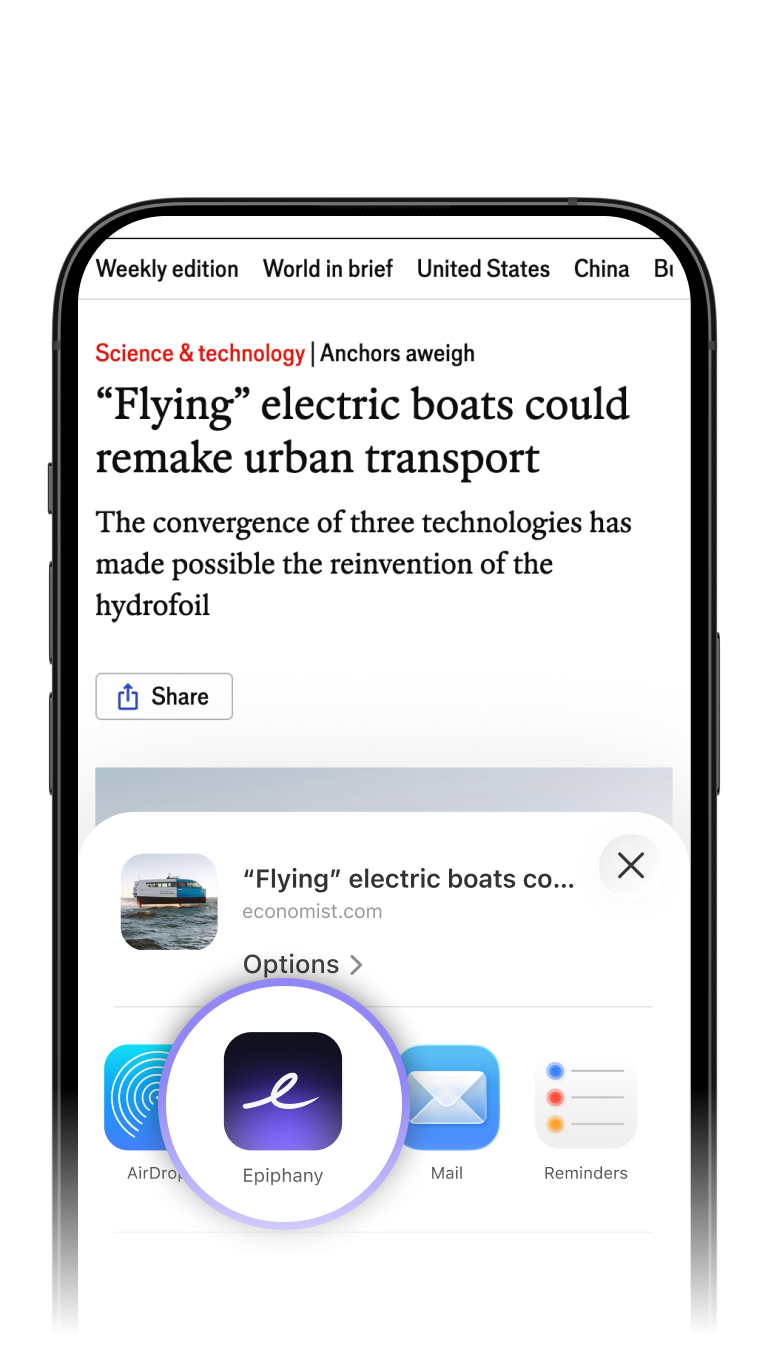
Found a resource worth saving? Share it from your browser, speak your key takeaways, and it lands in Notion instantly.
More Than Just Voice: Capture Anything
Save Photos, Links, and Screenshots
Epiphany is also your quick-capture tool for visual ideas. Use the Share Sheet on your phone to send a screenshot, a photo of a whiteboard, or a link to an article directly into Epiphany. Add your voice for context and send it all to Notion with one tap.
Your Personalized One-Click Shortcuts
Create a dedicated Action in Epiphany for each of your commonly used Notion databases. Sending a photo to your 'Marketing Swipe File' or a voice note to your 'Meeting Follow-ups' are now just one tap away. No navigating. Just capture and choose your preset.
Frequently Asked Questions
Ready to Supercharge Your Notion Workflow?
Connect your first Notion workspace in under 60 seconds.
Get Started Free