Voice-to-AI-Agent: How to Delegate to OpenClaw, NanoClaw, and Hermes Agent by Voice in 2026
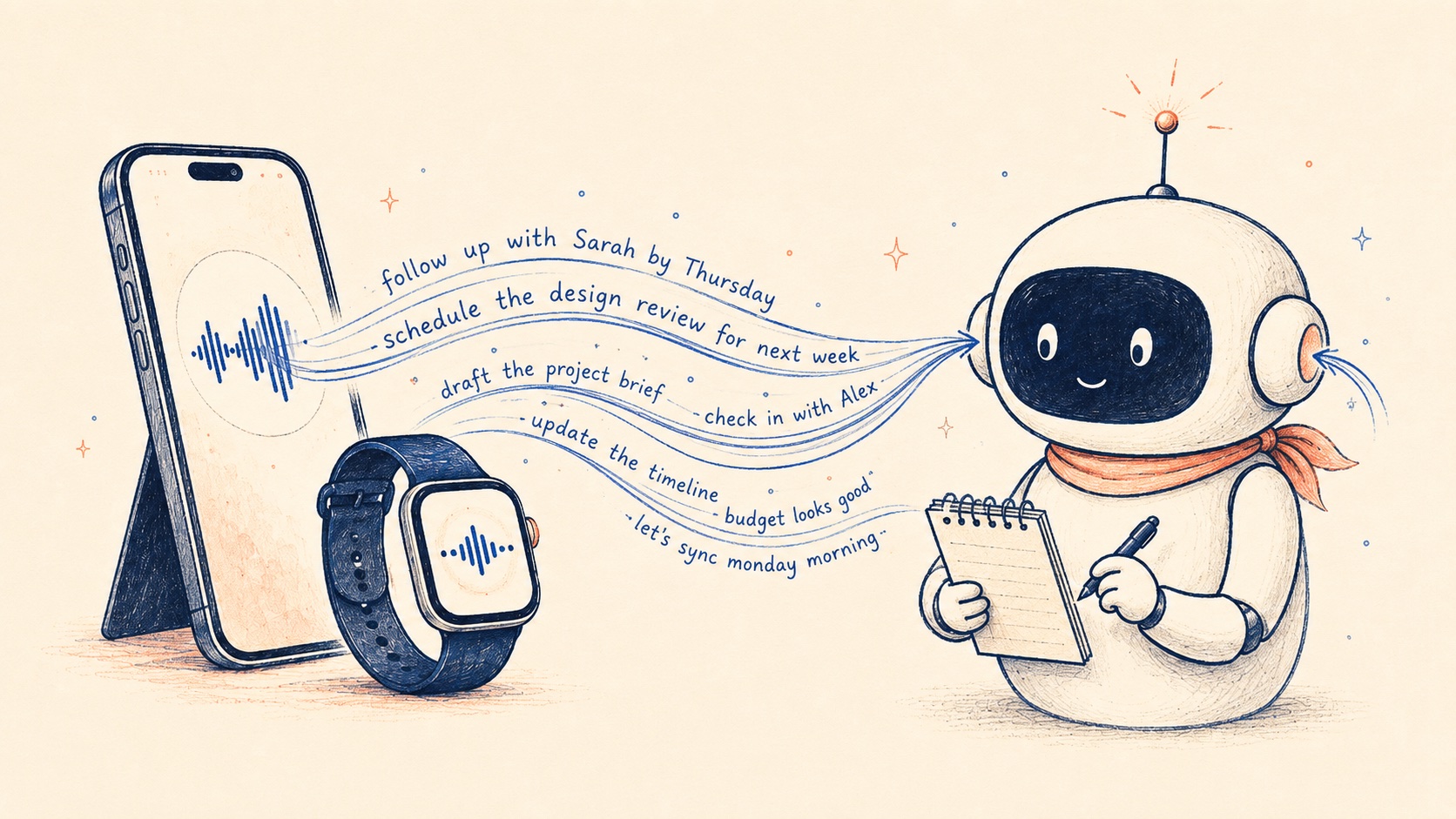
A year ago, "delegate to your AI agent" meant chatting with ChatGPT until something useful came out. Today it means something specific: you have an autonomous agent running on a VPS or your own machine (most likely OpenClaw, NanoClaw, or Hermes Agent in 2026). It listens on one of the messaging platforms you already use. You send it a task, it does the work, it reports back in the same channel.
The agents got good enough. The bottleneck moved. It's not the LLM anymore. It's getting tasks into the channel your agent watches, fast enough that you can do it while you're walking out of a meeting or thinking out loud in the car.
Typing structured briefs into a Slack DM is slow. Doing it on a phone is worse. Doing it in the moment intent forms is the part that actually breaks down. Voice fixes that. This article is about the voice-to-agent setup that's working in 2026, the destinations that actually matter (Slack and email, mostly), and how to wire it up in about five minutes.
What a 2026 AI agent actually is
For readers who haven't deployed one yet, the dominant pattern in 2026 looks like this:
- The agent is a persistent process running on a VPS, a homelab box, or a local machine. It's awake, scheduled, has memory.
- The interface is a messaging platform. OpenClaw, NanoClaw, and Hermes Agent all support a long list of channels (Telegram, WhatsApp, Slack, Discord, Microsoft Teams, iMessage, Signal, and others). You don't open a "chat window with the agent." You DM the agent in whichever messaging app you already use.
- You delegate by sending a message to the channel or address the agent watches. The agent reads it, decides what to do, executes (browser actions, shell commands, file ops, API calls), and reports back in the same channel.
The three frameworks operating at scale right now:
- OpenClaw (Peter Steinberger's project, formerly Warelay / Moltbot). ~247K GitHub stars. Local-first, Markdown-based memory, 20+ messaging platform integrations.
- NanoClaw (NanoCo, built on the Claude Agent SDK). ~250K downloads. Container-isolated agent groups, security-focused, MIT-licensed.
- Hermes Agent (Nous Research). ~175K GitHub stars. Persistent memory with a self-improvement loop, model-agnostic, low-overhead VPS deployment.
The unifying pattern across all three: the agent lives somewhere stable, listens to a channel, and the bottleneck for delegating to it is YOU typing the task into that channel from your phone while trying to do anything else.
Why voice fits this delegation pattern
Three reasons voice is the right interface for sending tasks to a persistent agent.
Capture in the moment intent forms. The version of the task that exists in your head right after a meeting ended is the version the agent should get. Three hours later, when you're at a keyboard, it's a different (worse) task. Voice catches the original.
The agent doesn't care about polish. When you type a task for a human teammate, you write full sentences with context they share. For an agent, you want raw intent: goal, constraints, deadline, stop rules. Voice produces that faster than typing because you're not optimizing for tone.
Mobile is where most agent-relevant moments happen. Between meetings. Walking. In transit. Typing into a Slack DM from a phone is brutal. Voice routes around the friction entirely.
Agents process work, and voice is the fastest way to give them work to process from wherever you are.
Where your agent typically listens (and what Epiphany Action to use):
Slack channel or DM
If your OpenClaw, NanoClaw, or Hermes Agent setup uses Slack as the messaging interface, configure a Slack Action targeting your agent's DM or task channel.
Email address
Hermes Agent and some OpenClaw configurations use a dedicated mailbox as intake. Configure an Email Action with the agent's address and a fixed subject line.
Notion DB or webhook
Secondary patterns. For stacks routing through a Notion task queue or a custom HTTP endpoint. Configure the corresponding Action.
How Epiphany sends voice to your agent
Epiphany is a voice-to-action tool. You configure an Action one time, pointed at the destination where your agent listens. From then on, capture is: open Epiphany, speak, tap the Action.
Epiphany today routes to:
- Slack (channel or DM where your agent lives). If your OpenClaw / NanoClaw / Hermes Agent setup uses Slack as its messaging interface, this is the primary path.
- Email (the address your agent monitors). For agent stacks that use a dedicated mailbox as intake, or where the agent is itself email-driven.
- Notion database row. If your agent watches a "task queue" database, route voice captures to a new row.
- Webhook. If your agent stack exposes a custom HTTP endpoint, Epiphany can post directly to it.
If your agent listens on Telegram, WhatsApp, Discord, or another channel that Epiphany doesn't currently route to, you'd bridge through one of the above (an email-to-Telegram bridge, a Slack→WhatsApp relay, or a webhook fan-out) or wait for direct support.
The Action setup defines the routing details: which Slack channel, which user to @-mention, the email subject line, the Notion database, the webhook URL. The optional AI prompt cleans up the body text. It strips filler, formats as a brief, preserves voice. The AI prompt does not parse the speech into fields or set destination properties; those live in the Action setup.
After configuration, you delegate at the speed of voice. Open Epiphany. Say the task. Tap the Action. The brief lands in the channel your agent watches. The agent picks it up.
The capture-to-delegation loop in four steps:
-
1Open + speakPhone, widget, Action Button, or Watch
-
2Tap the actionThe action is the 'done' button. Tapping ends + routes.
-
3Brief lands in channelSlack DM, email, Notion DB, or webhook
-
4Agent picks upExecutes, reports back in the same channel
Two workflows for agent setups using Slack or email
These are the patterns we see running across Epiphany users delegating to OpenClaw, NanoClaw, and Hermes Agent through the destinations Epiphany routes to today.
Workflow 1: Voice → Slack DM with your agent
If your agent is configured to read from a Slack DM or channel (@your-agent direct message, or #agent-tasks channel), this is the pattern.
Epiphany Action setup:
- Destination: the Slack DM or channel your agent watches.
- Tag user (in Action setup): your agent's Slack user, so every message @-mentions it (if your agent requires the @-mention to trigger).
- AI prompt (optional): "Clean up filler. Format as a clear short brief stating the goal and any constraints or deadlines."
Speak the task. Tap the Slack Action. The brief lands in Slack. Your agent picks it up.
Workflow 2: Voice → email to your agent
For agent stacks that use a dedicated email address as the intake. Hermes Agent supports this natively; some OpenClaw setups too.
Epiphany Action setup:
- Destination: the agent's email address.
- Subject line (in Action setup): a fixed line like "Voice-captured task" so the agent can recognize the source.
- AI prompt (optional): "Format the body as a short structured brief. Goal on the first line, constraints or deadlines on the next."
Speak. Tap. The email arrives in the agent's inbox. The agent processes and replies (often back to you via the same channel).
Secondary: Notion DB and webhook
If your stack is unusual (your agent watches a Notion task database, or polls a webhook endpoint), Epiphany has Actions for both. Same pattern: configure the destination once, capture lands at the right address.
How to set it up in five minutes
This assumes your agent is already running. If you haven't deployed one yet, OpenClaw, NanoClaw, and Hermes Agent all ship documented Docker install paths on a small VPS or local box.
1. Install Epiphany on iPhone. Get it on the App Store.
2. Pick the Action that matches where your agent lives.
- Agent reads from Slack → create a Slack Action, pick the channel or DM, configure the @-mention if needed.
- Agent reads from email → create an Email Action, set the agent's email address, set a fixed subject line.
- Agent watches a Notion DB → create a Notion Action, target the database.
- Agent exposes a webhook → create a Webhook Action, set the URL.
3. (Optional) Write the AI prompt. A starting prompt for any agent destination: "Clean up the transcription, preserve voice, format as a clear short brief stating the goal and any constraints or deadlines mentioned."
4. Test the loop. Open Epiphany, speak a small task, tap the Action. Check the destination. The brief should be there. Your agent picks it up from there.
If the brief doesn't appear, the destination's permissions are usually the issue. Re-authenticate the integration in Epiphany and try again.
From your Apple Watch
The killer setup: voice-to-agent from the Apple Watch. Open Epiphany on the wrist, speak the task, tap the Slack (or email) Action. The brief lands in your agent's channel. You never unlock your phone. You don't break stride. The agent gets to work.
For users running OpenClaw, NanoClaw, or Hermes Agent who also wear an Apple Watch, this is the most reflexive delegation interface available in 2026. Walking between meetings becomes "delegate the follow-up to my agent on the way" without typing or even looking at a screen.
Future-proofing the workflow
A note on durability. The agent layer is the part most likely to change. OpenClaw might be replaced by something better in 2027. Your Hermes Agent install might get migrated to a different model. The voice capture layer is stable: Epiphany routes through standard interfaces (Slack, email, Notion, webhooks). When you swap agents, you change the destination configuration; you don't change your capture habits.
Keep capture and execution as separate layers. Capture is the part that becomes reflex; you want it stable. Execution is where the technology is upgrading fastest.
When voice-to-agent isn't the right tool
A few honest disqualifiers.
- You don't have an agent yet. Voice-to-agent is downstream of having one. Deploy OpenClaw, NanoClaw, or Hermes Agent first (each has documented Docker install paths). Then add voice on top.
- You distrust agent autonomy in production systems. Reasonable in 2026. Limit voice-delegated tasks to research, drafting, and queueing. Keep execution against production systems under review until trust is built.
- You prefer typing for the deliberation it forces. Some operators do. If you're one of them, voice-first isn't an upgrade for you.
For everyone else with an agent running and a phone (or Watch) in their hand, the math points one direction. The agent gets better quarterly. The capture layer is the bottleneck. Voice closes it. Five minutes of Action setup, and the capture-to-delegation loop runs for free.
The thing that changes after a week of this isn't any individual capture. It's that you start delegating more, because you stopped paying the typing tax to do it.
FAQ
Try the workflow
Epiphany is free to try on iPhone. The five-minute setup is the same for every integration. After that, your tools get fed by voice instead of by typing.
Related articles
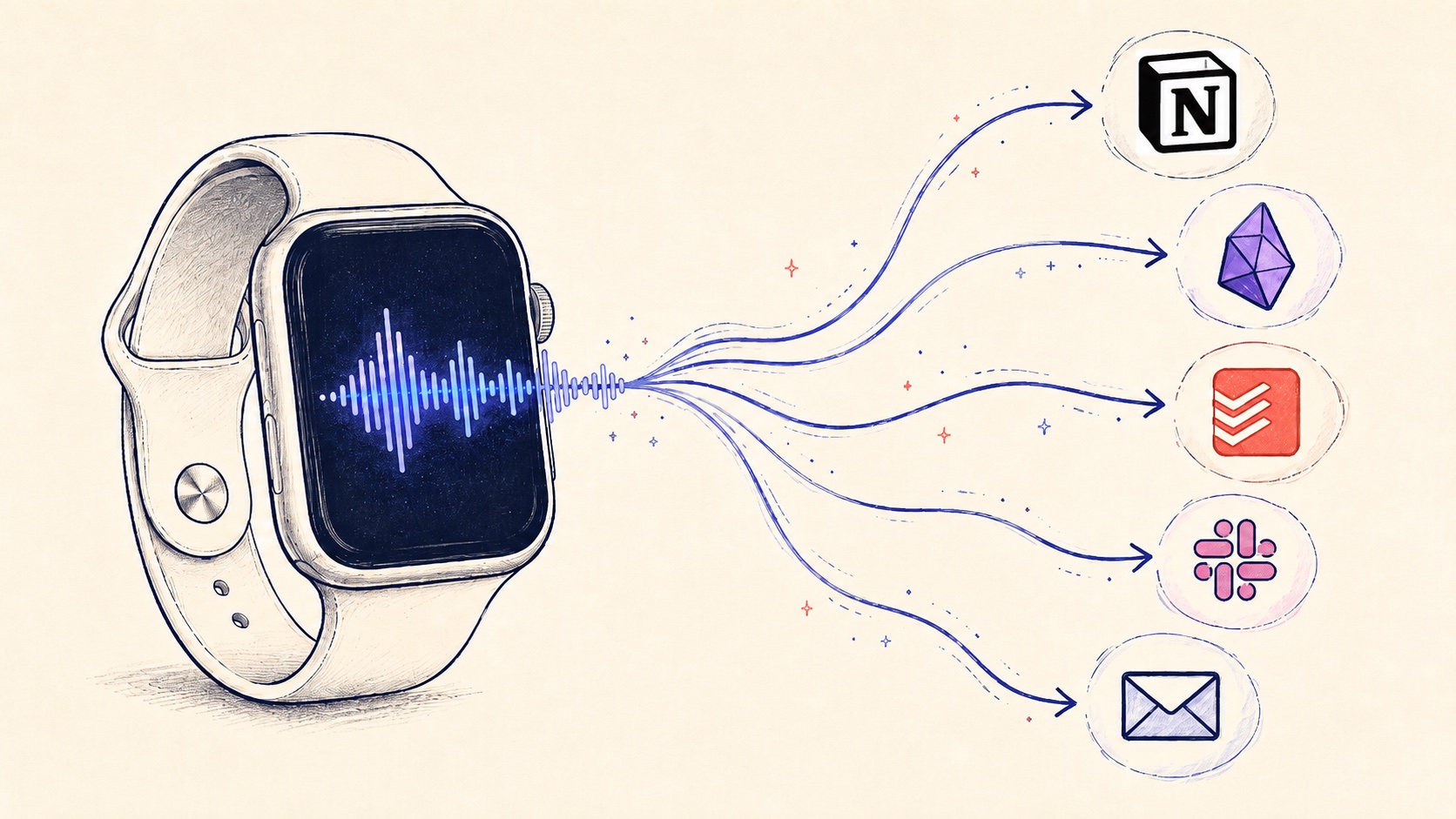
Best Voice Notes App for Apple Watch in 2026: Capture Without Your Phone (and Route Anywhere)
Apple Watch is the most undervalued capture device. Here's how to set up voice notes that route directly to Notion, Obsidian, Todoist, Slack, or email from your wrist, without ever unlocking your phone.
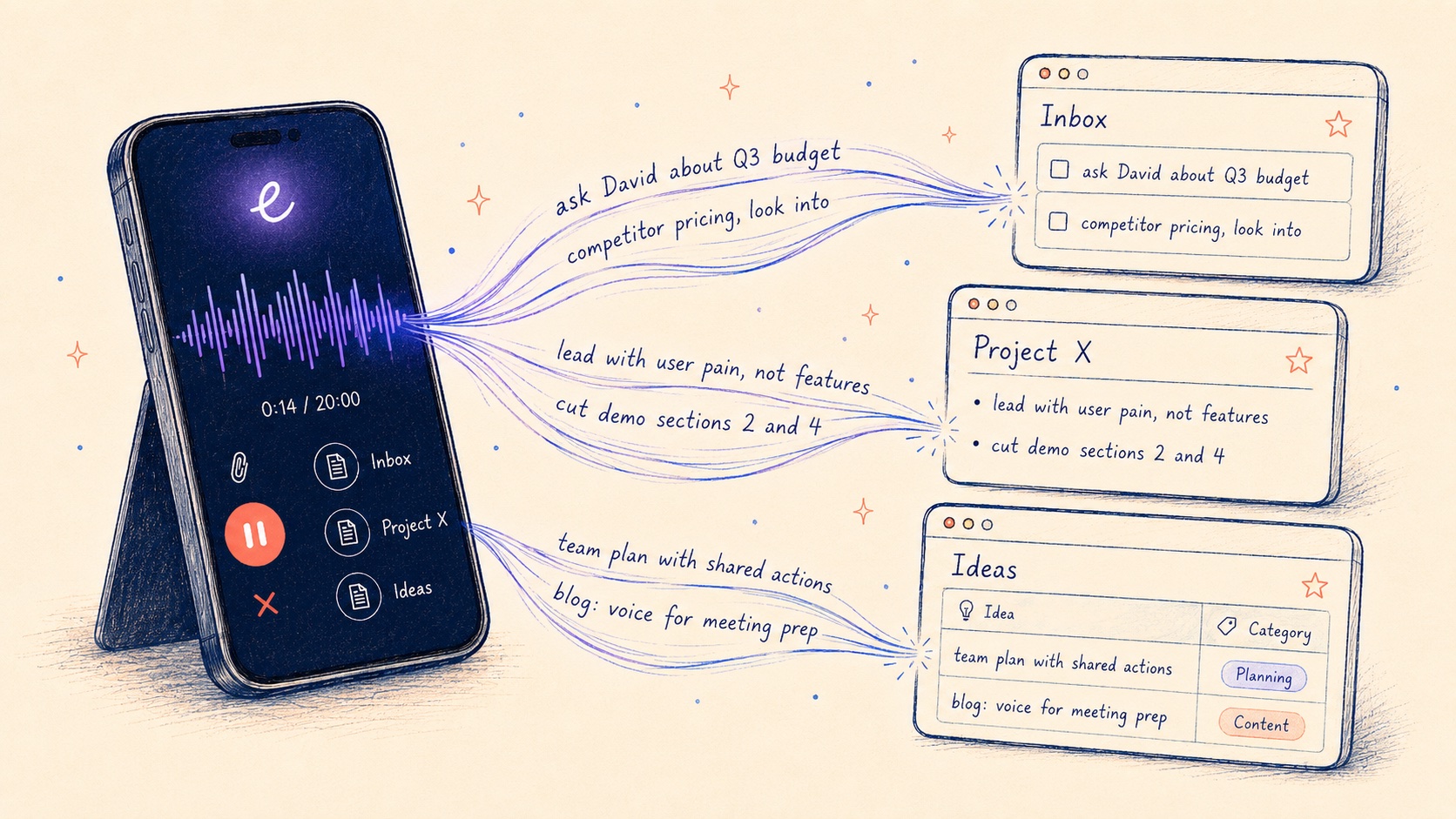
Voice Notes to Notion: The Fastest iPhone Workflow in 2026 (Including Database Routing)
Notion mobile capture is slow. Here's the voice-first workflow for sending captured ideas, tasks, and meeting notes directly into Notion pages and databases from iPhone or Apple Watch.
The Fastest Way to Capture Voice Notes into Obsidian on iPhone (and Apple Watch) in 2026
Obsidian Mobile capture is brutal. Here's the fastest voice-first workflow to get notes into your vault on iPhone and Apple Watch.